Your screen.
Your next step.
Made clear.

Meet Clario, your on-screen assistant. Get real-time guidance that explains what to do and points to where to click, step by step, in the app you’re using. Keep working without switching to a separate chat.

A helping hand.
Right on
your screen.

Learning an editing tool? Finding your way around a CRM? Clario is being built to explain the task, highlight the control you need, and guide you through each step in context. You stay with your work, and learn as you go.

See who it helps
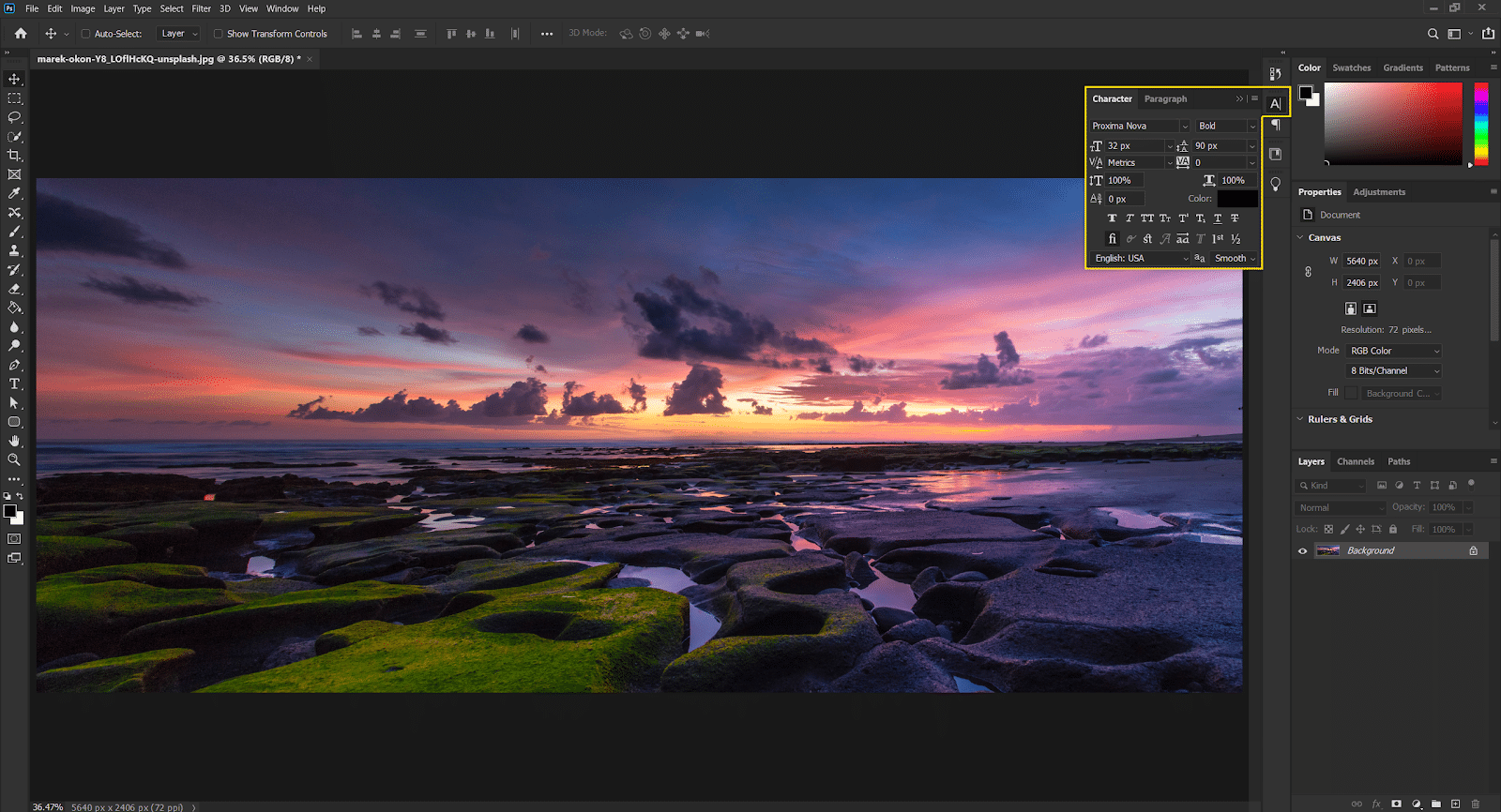
PHOTOSHOP WORKSPACE · GUIDANCE CONCEPT
Photoshop workspace with a coastal sunset photograph, left toolbar, Character panel, and Layers panelCLARIO IS GUIDING YOU

Interactive concept using your Photoshop reference. No live Photoshop connection or image changes are made.

Your intelligence.
Your control.

Bring your existing agent as an individual.
Deploy on your terms as an enterprise.

01 / Individuals

Your agent. More ways to use it.

Bring the compatible agent you already use to power Clario’s on-screen guidance. Build on the context and memory you’ve accumulated, wherever your agent makes them available. You choose the intelligence; we bring help to your screen.

Bring your own agent · PlannedJoin the waitlist
02 / Enterprises

Your infrastructure. Our setup support.

Our paid enterprise offering will help you run the agents and intelligence behind Clario on infrastructure your organization controls. We’ll work with your existing environment or help you set one up, including a custom-built Clario agent where appropriate.

Enterprise deployment · PlannedRegister enterprise interest

Review the add-ons.
Keep what earns its place.

Clario’s enterprise goal is to bring on-screen guidance and agent-powered workflows to more of your work through one assistance layer, using intelligence you already operate.

01

Find the overlap

Review recurring AI add-ons, guidance tools, and task assistants against the jobs your team needs done.

02

Reuse your investment

Connect Clario to compatible intelligence in your environment, rather than requiring another Clario-hosted agent subscription.

03

Consolidate where it fits

Identify tools Clario can replace or reduce reliance on. Potential savings depend on supported tasks, adoption, and the full cost of deployment and operation.

Enterprise direction · Planned. No fixed savings or universal tool replacement is promised. Clario service fees, infrastructure, model usage, and maintenance remain part of the cost assessment.
Tell us about your team’s tools

A little curiosity
goes a long way.

A few things to know.